
How SheetCombine Processes Excel, CSV, XML & JSON Locally With Zero Server Uploads
Inside SheetCombine client-side architecture: local file reading, deterministic parsing, formula evaluation, styled XLSX generation, offline PWA support, and browser extension popup.
Interactive Tool Included
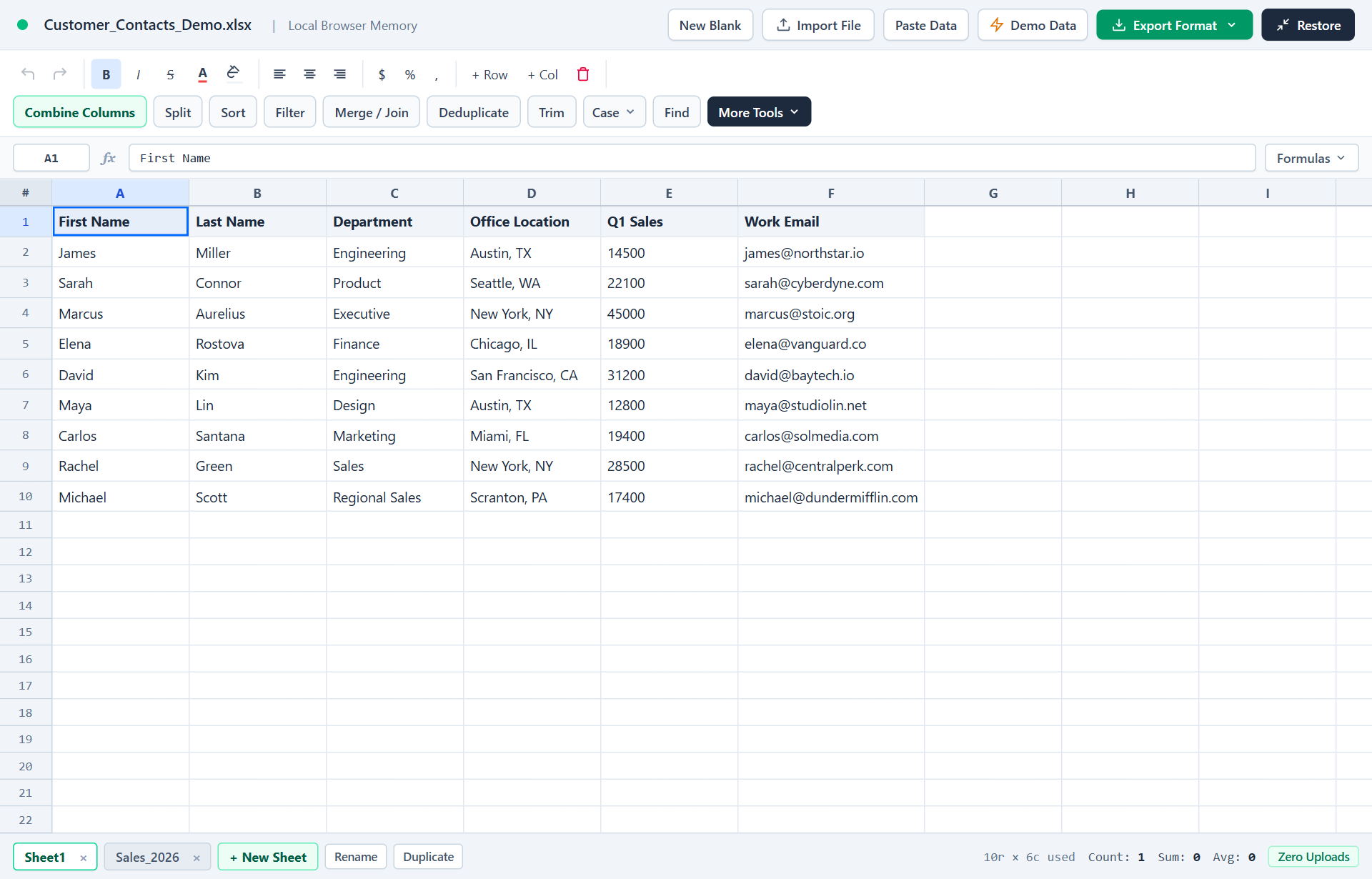
Skip manual formulas or run this workflow directly on your file in local browser memory.
Quick Steps Overview
- 1
Drop or paste files directly into browser tab memory
Spreadsheet files (.xlsx, .xls, .ods, .csv, .tsv, .xml, .json) are decoded straight inside JavaScript memory using the browser File API — zero bytes ever touch a backend server.
- 2
Parse, profile, clean, merge, or style locally
All cell transforms — whitespace trimming, key deduplication, column combining/splitting, sorting, formula evaluation, and color formatting — run deterministically on your CPU.
- 3
Download directly from a generated in-memory Blob
When you export CSV, TSV, JSON, SQL, Markdown, or styled XLSX, the browser builds the output bytes locally and triggers an instant client-side file save.
Conventional web converters ask you to upload payroll sheets, customer CRM lists, invoices, or API exports to unknown cloud servers just to merge two CSVs or turn XML into Excel. SheetCombine flips that model: 100% of parsing, joining, formula evaluation, and export generation runs inside your own browser RAM.
Local Execution Stack at a Glance
| Operation | Where It Executes | Server Network Transfer |
|---|---|---|
| Import CSV / TSV / JSON / XML / XLSX | Browser FileReader & JS Parsers | 0 bytes uploaded |
| Deduplicate, Trim, Combine & Left Join | Local 2D Cell Matrix in Tab RAM | 0 bytes uploaded |
Formula Evaluation (SUM, VLOOKUP, etc.) | Client-side Formula Evaluator | 0 bytes uploaded |
| Download CSV / Styled XLSX / SQL | In-memory Blob Download | 0 bytes uploaded |
Two Ways to Use SheetCombine Zero-Upload Tools
- Full Multi-Tab Workspace (Excel Online): Edit styled spreadsheets, merge multiple files, profile column stats, generate SQL/Markdown, and install as an offline PWA.
- Quick Browser Popup Extension (Firefox / Edge): Paste or load small CSV, TSV, JSON, or XML snippets straight from any browser toolbar click with zero permissions required.
Run It Yourself — Zero Server Uploads
Ready to process your own workbook?
Every transform runs in your local browser memory. Paste data, import .xlsx / .csv / .md, apply styles, and export clean results immediately.
Frequently Asked Questions
Can SheetCombine prove files are never uploaded to a server?▼
Yes. You can open your browser DevTools Network tab (F12 -> Network) while dropping a CSV, XML, or XLSX file and clicking Convert or Export — zero POST upload requests occur.
Does the Firefox / Edge extension use the same zero-upload approach?▼
Yes. The SheetCombine CSV & XML Quick Converter browser extension requests zero permissions, collects zero user data (data_collection_permissions: none), and runs offline inside popup memory.
Where is my work saved if I refresh the tab?▼
Your multi-tab grid state saves to your own browser localStorage on your device so closing or reloading a tab does not transmit anything externally while preserving your workspace locally.
More Spreadsheet Guides
View All Guides →Zero-Upload Privacy Policy
Read our clear technical commitment on local execution and analytics boundaries.
How Tools WorkHow European Semicolon CSV Works in Excel
Why delimiters and UTF-8 encoding break across regions and how SheetCombine fixes them.
Interactive ToolOpen Blank Online Spreadsheet
Launch an instant offline-ready browser worksheet with zero login required.
